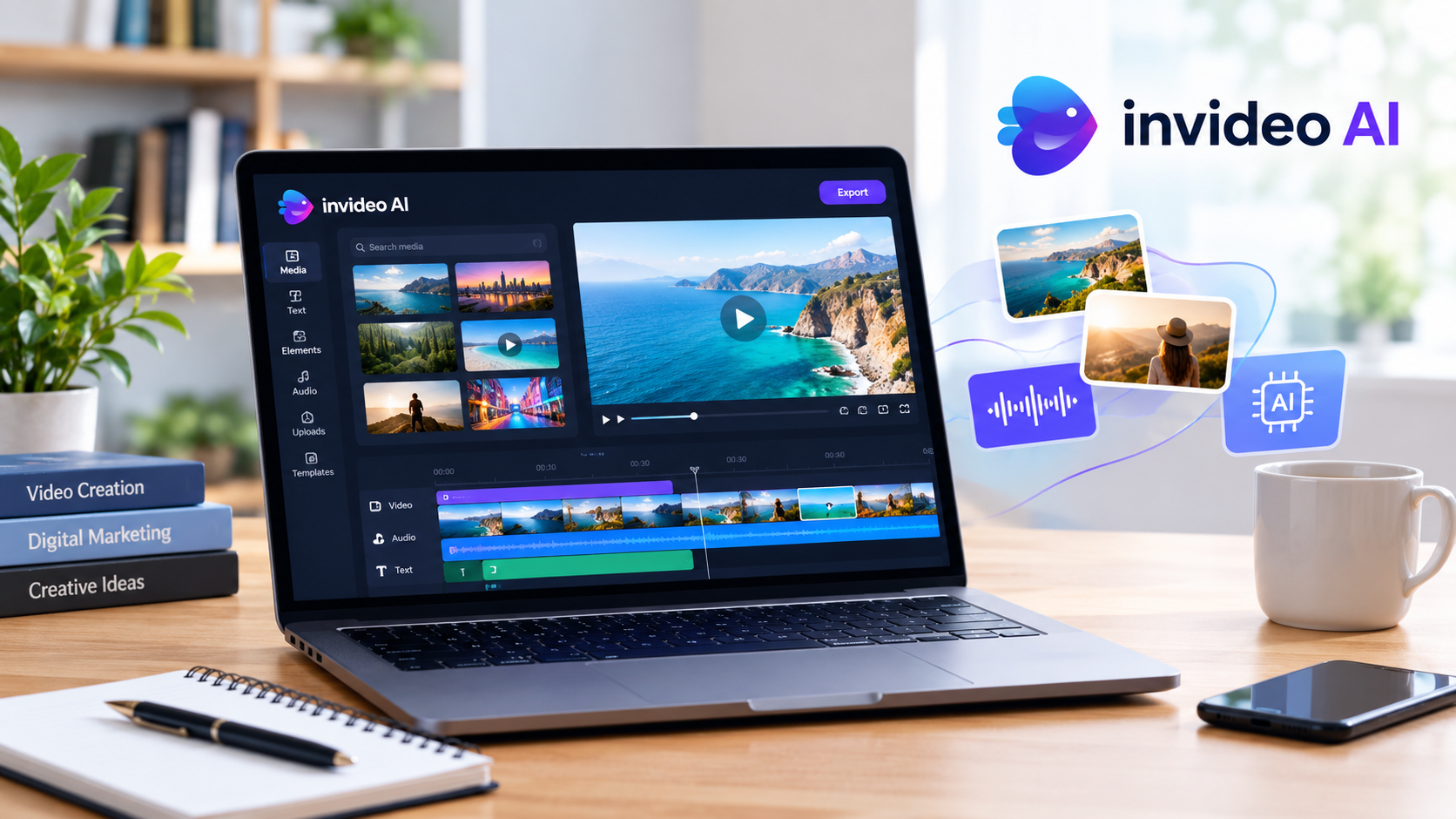
Video content has become an essential part of digital marketing, entertainment, education, and social media. Businesses use videos to promote products, creators publish videos to grow their audiences, and educators use visual content to explain complicated subjects. However, producing professional-quality videos traditionally requires editing skills, creative planning, suitable footage, voiceovers, and considerable time. AI-powered video creation tools are changing this process by making video production more accessible.
InVideo AI is one of the platforms designed to simplify video creation using artificial intelligence. It helps users transform ideas and written instructions into video content while providing tools for editing, generating visuals, and improving production workflows. In 2026, the platform also offers access to multiple AI models and agent-based editing features. In this review, we explore its features, pricing, advantages, disadvantages, and overall value for different types of users.
For more entertainment, technology, and digital platform updates, visit Click Here to explore the latest articles on KeeperFacts.com.
What Is InVideo AI?
InVideo AI is an artificial intelligence-powered video creation platform that helps users produce and edit videos with less manual work. Instead of building every scene from scratch, users can describe what they want to create and use AI-assisted tools to develop their content. Depending on the workflow, users can work with scripts, generated visuals, voiceovers, music, and other video elements.
The platform is designed for a broad audience, including YouTube creators, marketers, small businesses, educators, social media managers, and people who have limited video editing experience. Its goal is to reduce the technical effort involved in video production while allowing users to guide the creative process.
For the latest entertainment and digital media coverage, Link Here takes you to KeeperFacts.com, where you can discover more articles and updates.
How Does InVideo AI Work?
InVideo AI uses text instructions and AI-assisted workflows to help users create video content. A user can begin with an idea, provide a description, or supply a script, depending on the selected workflow. The platform then helps organize the content and generate or assemble suitable video elements.
For example, a creator preparing a video about travel destinations might provide a prompt describing the locations, desired tone, audience, and approximate video length. AI tools can help develop the script, arrange scenes, generate supporting visuals, and add narration or music when supported by the selected workflow. Users can then review the result and make adjustments.
The exact process depends on the tools, models, and plan available to the user. AI-generated results are not always perfect, so reviewing the video before publishing remains important.
Want to discover more online platforms and digital tools? Click Here to visit KeeperFacts.com for additional articles.
Key Features of InVideo AI in 2026
InVideo AI offers several features that can help streamline video creation. The usefulness of each feature depends on the type of content being produced and the user’s workflow.
1. AI-Powered Video Creation
One of the platform’s main attractions is its ability to assist with video creation through natural-language instructions. Users can describe the topic, intended audience, visual style, and purpose of a video rather than manually planning every production step.
This can be useful for explainer videos, promotional content, educational presentations, product introductions, and social media videos. It can also help creators experiment with different concepts without investing as much time in initial production.
However, a detailed prompt does not guarantee a perfect result. Users should check whether the generated scenes accurately represent the subject and whether the finished video communicates the intended message.
Explore more digital media insights through Link Here.
2. AI Video and Image Models
InVideo provides access to multiple AI models for generating video, images, and other creative assets. Its official help documentation describes access to more than 200 AI models through a unified workspace, although available models and features depend on the user’s plan and selected workflow.
This variety can help users select tools suited to different creative requirements. For instance, a marketing team may need product visuals, while a filmmaker might prioritize cinematic scenes or particular visual styles.
Access to multiple models is valuable because no single generation system performs equally well for every task. Nevertheless, users should compare the available models, generation costs, and output quality before deciding which workflow suits their needs.
For more technology-related articles, Click Here to explore KeeperFacts.com.
3. AI Voiceovers and Narration
Narration can make videos more informative and engaging, especially when explaining a process or presenting a story. InVideo’s AI-assisted workflows support voice and audio features, allowing creators to incorporate narration without recording every line themselves.
This can be useful for educational videos, product demonstrations, promotional campaigns, and videos designed for audiences who prefer listening to explanations.
However, AI narration should be reviewed for pronunciation, pacing, tone, and clarity. Names, technical terms, and regional expressions may require additional attention. Creators should also ensure that the selected voice and any associated usage rights are appropriate for their intended publication.
Discover more content creation insights by visiting Link Here.
4. Script Development and Content Planning
Planning a video can take considerable time before editing even begins. InVideo AI can assist with turning an initial idea into a structured video concept, helping users organize information into a sequence of scenes.
For example, a small business introducing a new service could develop a video outline that covers the problem, the service’s main benefits, important features, and a closing call to action. A YouTube creator could use a similar approach to organize an educational topic.
AI-generated scripts should not automatically be treated as publication-ready. Users should verify factual claims, remove unnecessary repetition, and adjust the language to match their audience. Human review is especially important for news, finance, health, and other subjects where accuracy matters.
For more digital publishing and online media articles, Click Here.
5. AI-Assisted Editing
Video editing often involves arranging scenes, adjusting timing, improving audio, and correcting mistakes. InVideo’s current editing experience includes timeline-based editing and AI-assisted workflows that can help users modify their projects.
These features may reduce the amount of manual work required for routine editing tasks. However, the level of control and the available editing tools can vary depending on the plan and workflow.
Creators should still inspect transitions, scene order, captions, and audio levels. AI can speed up editing, but it does not eliminate the need for creative judgment.
For more articles about digital creativity and online platforms, Link Here is a useful place to start.
6. Music, Audio, and Visual Elements
Audio and visuals play an important role in the overall quality of a video. InVideo’s creative workflows provide access to tools for working with video, images, voice, and music, depending on the selected features.
Creators can use these elements to make explanations easier to follow and promotional videos more visually appealing. Appropriate background music can also help establish the mood of a video.
Nevertheless, users should confirm the licensing terms for music, stock footage, uploaded media, and AI-generated assets. Content that can be generated inside a platform is not automatically free from every copyright or commercial-use restriction.
Find more content creation tips and digital updates through Click Here.
7. Multiple Content Formats
Different publishing platforms often require different video dimensions and presentation styles. A landscape video for YouTube may not be suitable for a vertical social media post without adjustments.
InVideo’s editing workflows can help creators adapt their projects to different publishing requirements. This is useful for businesses that want to reuse a promotional video across several channels or creators who distribute content on multiple platforms.
Before publishing, users should check framing, text placement, subtitles, and visual quality in every format. Important information can become cropped or difficult to read when a video is converted to a different aspect ratio.
For additional online media and technology guides, visit Link Here.
InVideo AI Pricing in 2026
Pricing is an important consideration when choosing an AI video generator. InVideo offers a free option with limited usage and paid subscription plans. Its pricing structure uses credits for various AI tasks, including generating images, videos, audio, and other content. The number of credits consumed depends on the model and the work performed.
The following table summarizes the general pricing considerations for prospective users.
| Plan Type | Best Suited For | Main Consideration |
|---|---|---|
| Free plan | Beginners exploring the platform | Limited credits and usage |
| Entry-level paid plan | Individuals creating videos occasionally | Lower allowance than higher-tier plans |
| Mid-tier paid plan | Regular creators and small businesses | More credits and access to additional features |
| Higher-tier plan | Professionals and frequent video producers | Greater generation capacity, with a higher cost |
| Business or team plan | Teams and organizations | Team seats, usage allowances, and collaboration requirements |
Actual prices, credits, model access, and plan names can change. Before subscribing, consult the official InVideo pricing page to check the current offer, billing period, and included features.
If you want to explore more digital services and technology reviews, Click Here to visit KeeperFacts.com.
Is the Free Plan Enough?
The free plan is a practical starting point for people who want to explore the interface and understand the platform’s capabilities before paying. InVideo’s help center states that users can access its free plan without entering card details, subject to limited credits and usage conditions.
However, a free allowance may not be sufficient for regular production. Video generation and repeated revisions can consume credits, particularly when users experiment with different models or create several versions of a project.
A sensible approach is to test the platform using a small project first. This allows you to assess video quality, generation speed, editing flexibility, and credit consumption before committing to a subscription.
For more reviews of digital platforms, Link Here takes you to KeeperFacts.com.
Advantages of InVideo AI
InVideo AI offers several potential benefits for creators and businesses.
1. Beginner-friendly workflows: Users can start with text instructions and AI-assisted tools instead of learning every aspect of traditional video editing immediately.
2. Faster production: AI assistance can reduce the time required for planning, creating initial scenes, and assembling content.
3. Multiple creative tools: Access to video, image, and audio generation features can reduce the need to switch between several separate applications.
4. Useful for marketing: Businesses can use the platform to develop product explainers, promotional videos, and social media content.
5. Flexible creative possibilities: Users can experiment with different concepts, styles, and models according to their available tools and credits.
These advantages make the platform worth considering, especially for people who produce video content regularly.
Discover more reviews and digital publishing guides by visiting Click Here.
Disadvantages of InVideo AI
Despite its benefits, InVideo AI has limitations that prospective users should consider.
1. Credit consumption: AI video generation can consume credits quickly, particularly when users generate multiple versions or select resource-intensive models.
2. Inconsistent results: Generated scenes, narration, or transitions may not always match the original instructions.
3. Editing still requires attention: Users may need to correct mistakes, replace unsuitable visuals, and adjust timing before publication.
4. Subscription costs: Paid plans may become expensive for users who generate large volumes of content or need advanced models.
5. Limited creative control in some workflows: Automated generation may not deliver the exact framing, timing, or visual consistency that a professional project requires.
6. Copyright and accuracy concerns: Users must verify factual claims and ensure that the media they use complies with applicable licensing requirements.
Understanding these limitations helps users make realistic decisions rather than expecting the platform to handle every part of video production automatically.
For more honest technology reviews and digital insights, Link Here provides access to KeeperFacts.com.
Who Should Use InVideo AI?
InVideo AI can be useful for several types of users, although its suitability depends on individual needs.
YouTube creators: Creators who regularly publish explainers, educational videos, and promotional content may benefit from AI-assisted production. They should still review the final result for accuracy, originality, and audience engagement.
Small businesses: Businesses can use AI tools to develop advertisements, product introductions, and social media videos without building a large production team.
Digital marketers: Marketing professionals can experiment with multiple creative approaches and develop content for different campaigns.
Educators and trainers: Instructors may use video creation tools to explain concepts, introduce learning materials, or create supplementary resources.
Freelancers and agencies: Professionals may find the platform useful for certain client projects, provided its output quality, licensing conditions, and credit costs meet the project’s requirements.
However, users working on highly detailed cinematic productions may need more specialized editing software and greater manual control.
Explore more digital tools and online platform reviews at Click Here.
InVideo AI vs Traditional Video Editing
Traditional editing software gives users detailed control over footage, timing, effects, color correction, and audio. However, producing a finished video manually can require considerable experience and time.
InVideo AI takes a different approach by combining automated assistance with creative editing tools. It can help users develop initial concepts and speed up certain production tasks, while still allowing adjustments within the available workflow.
| Factor | InVideo AI | Traditional Video Editing |
|---|---|---|
| Ease of use | Accessible to many beginners | Depends on the software and experience |
| Initial production | AI can automate parts of the process | Often requires more manual work |
| Creative control | Varies by workflow and editing tools | Can offer extensive manual control |
| Production speed | Potentially faster for suitable projects | Depends on project complexity |
| Cost structure | Subscription and credit considerations | Software fees and possible equipment costs |
| Best use | AI-assisted content creation | Detailed editing and specialized workflows |
Neither approach is automatically better for every project. Some creators may achieve the best results by using AI for initial production and completing the final edits manually.
For more guides about content creation and digital technology, Link Here is worth exploring.
Tips for Getting Better Results with InVideo AI
Users can improve their results by following a few practical guidelines.
Write specific prompts. Include the subject, audience, intended length, tone, visual style, and purpose of the video. Clear instructions give the AI a better starting point.
Prepare a reliable script. Review the structure before generating the video. A well-organized script can reduce unnecessary scenes and improve the overall flow.
Check every scene. Make sure the visuals match the narration and that important details are represented accurately.
Monitor credit usage. Check the estimated cost before generating content, especially when experimenting with different models.
Review audio and subtitles. Correct pronunciation issues, caption errors, and inconsistent volume levels.
Verify licensing requirements. Confirm that music, footage, and other assets can be used for your intended purpose.
Keep a human editor involved. AI can assist with production, but human judgment remains essential for quality control and originality.
For more practical technology guides, Click Here to discover additional articles.
Is InVideo AI Worth Using in 2026?
Whether InVideo AI is worth using depends on how frequently you create videos and how much automation you need. For beginners, the free plan provides an opportunity to explore the platform before purchasing a subscription. For regular creators, the combination of AI-assisted editing and multiple creative models may offer meaningful time savings.
Businesses and marketers may benefit when they need to produce several videos for campaigns, product announcements, or social media. However, they should calculate subscription costs and credit consumption against their actual production requirements.
The platform may be less suitable for people who require precise frame-by-frame control, have highly specialized production needs, or prefer to avoid credit-based AI generation. It is also important to remember that automated video production does not guarantee higher audience engagement or business results.
Before choosing a paid plan, create a sample project, evaluate the quality of the output, and determine how much editing is still required. Compare these results with your existing workflow and budget.
For additional entertainment, technology, and digital platform reviews, Link Here will take you to KeeperFacts.com.
Final Verdict
InVideo AI is a useful option for people who want to simplify video creation through artificial intelligence. Its combination of AI-assisted workflows, multiple creative models, audio tools, and editing capabilities can help creators and businesses develop video content more efficiently.
Its biggest strengths are accessibility, workflow automation, and the opportunity to combine several creative tasks in one environment. Its main drawbacks include credit consumption, subscription costs, and the need to review AI-generated content carefully.
Overall, InVideo AI is worth testing in 2026 if you regularly create videos and want to reduce some of the manual work involved. Beginners should start with the free plan, while frequent creators should compare paid plans against their expected usage. The best choice is the one that delivers reliable results at a reasonable cost for your particular needs.
To explore more articles covering entertainment, digital platforms, and technology, Click Here to visit KeeperFacts.com.
Frequently Asked Questions (FAQs)
1. What is InVideo AI used for?
InVideo AI helps users create and edit videos using artificial intelligence, including workflows for scripts, visuals, voiceovers, and other creative elements.
2. Is InVideo AI free to use?
Yes. InVideo offers a free plan with limited credits and usage. Users can check the current conditions before starting.
3. Does InVideo AI require video editing experience?
No. Beginners can use AI-assisted workflows, although reviewing and adjusting the generated content helps improve the final result.
4. Is InVideo AI worth paying for in 2026?
It may be worthwhile for regular creators and businesses that benefit from its features, provided the subscription cost and credit allowance match their needs.
5. Can InVideo AI help YouTube creators?
Yes. It can assist with producing explainer videos, educational content, promotional videos, and other formats suitable for YouTube.
6. Does InVideo AI have limitations?
Yes. Generated content may require corrections, credit consumption can add up, and available features depend on the selected plan.
7. Where can users check InVideo AI pricing?
Users should visit the official InVideo pricing page to compare current plans, credits, billing options, and included features.
For more informative articles and digital platform updates, Click Here to visit KeeperFacts.com.